
How I made this Instagram Viral Split Post/Video effect? It’s very easy. Let’s jump in.
- Download Crsel App on your App Store for iPhone and Play store if you are an Android user.
- Don’t be shocked after opening the App. You have lot of features to use as Free. Cross check the X button and go to Home Screen in app.
- Scroll down till you find Trends in Crsel application. Then choose the template you want. In this case, I chose Split Video template.
- Once you on the template click on the empty space and start adding your photos and it’s that easy. Find the below screenshot for visual reference.
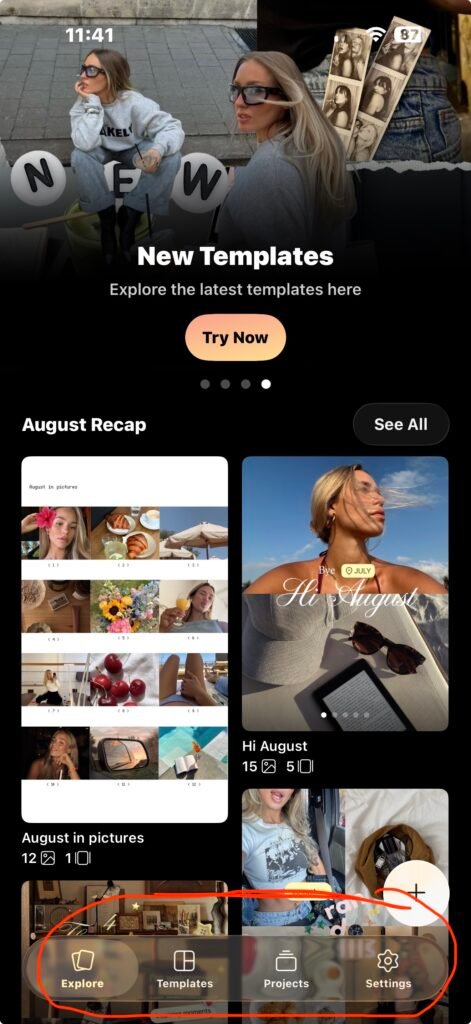
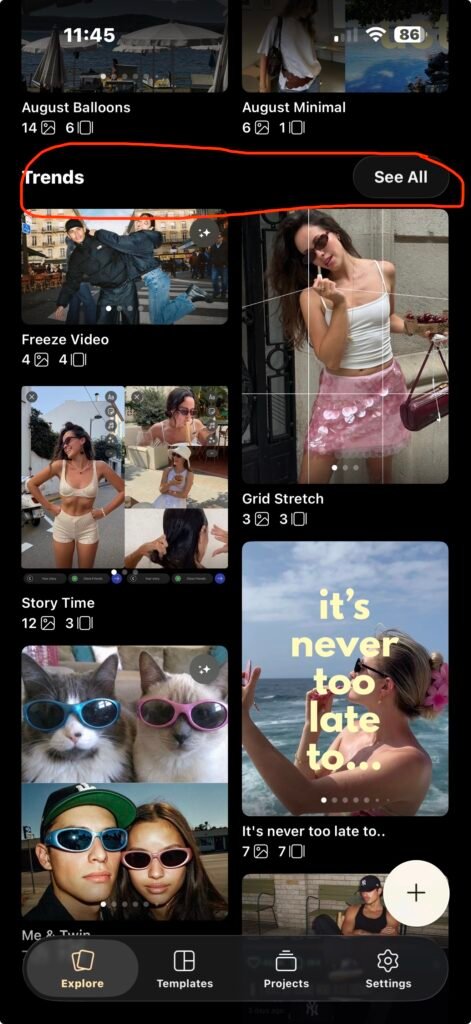
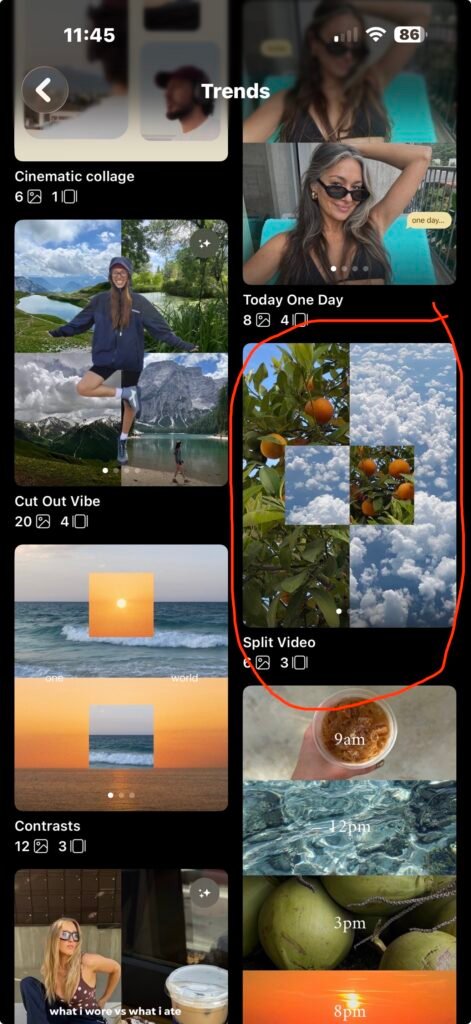
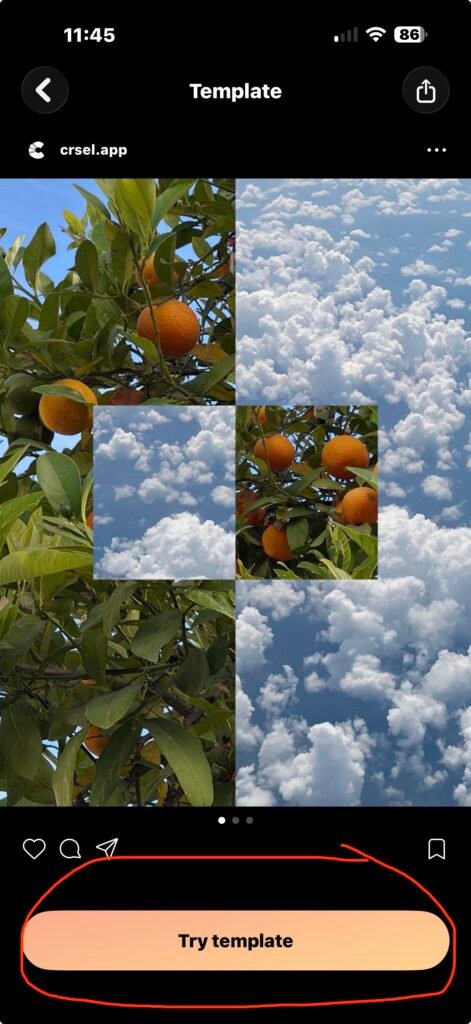
You can also watch the vide below to see how to make this effect using your phone.
See how easy it is. Adding photos is free but videos you need to upgrade to premium to unlock its full features.
Looking for more tutorials like this and make your Social media feed or portfolio to next level.
If you wish to check out my work, please check my social media feed below.
No responses yet